
 EU
EU
 USA
USA Canada
 UK
UK Australia
 New Zealand
 Japan
Japan Singapore
 UAE
UAE India
India South Korea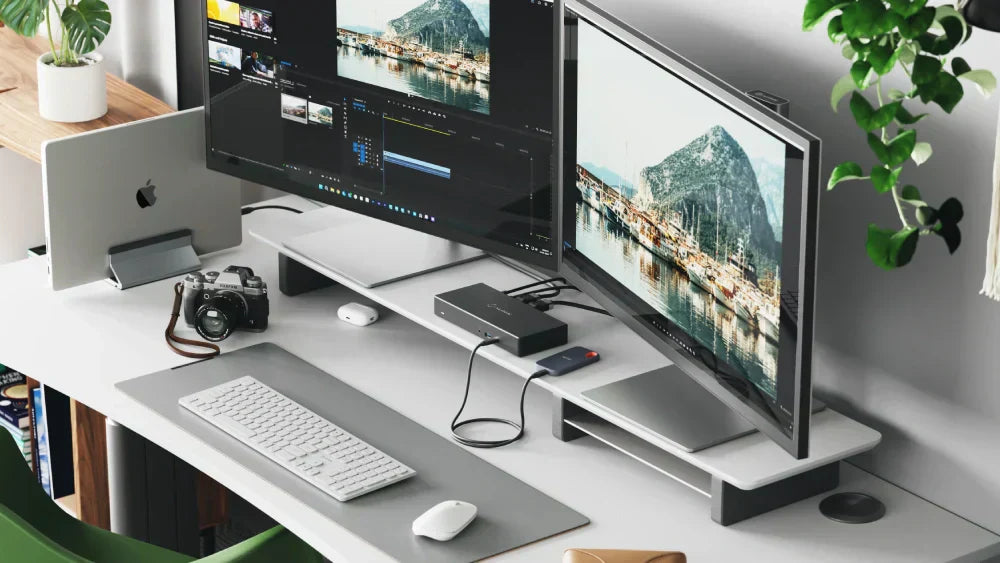
How to Connect Dual Monitors to a Laptop Docking Station
Connecting dual monitors to a laptop docking station can significantly enhance your productivity by extending your workspace, allowing for multitasking with ease. Whether you're a professional need...

Make This Mother’s Day Special!
Delight your Mom this Mother's Day with tech gifts that blend Sentiments and practicality, ensuring she'll treasure them for years to come. Explore our curated selection of the finest Alogic Conn...
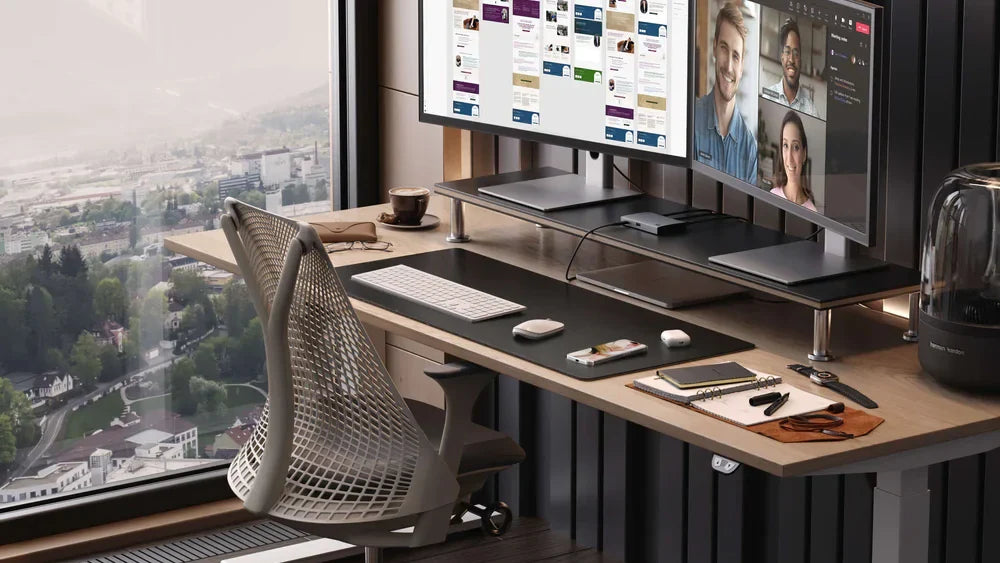
(macOS) Updating your Clarity Max Pro and Max Touch’s Firmware
If your new Clarity Max Pro or Clarity Max Touch’s webcam isn’t sliding down after you finish using it, follow this simple guide to update its firmware and zap the bug. Unfortunately, a small bug c...
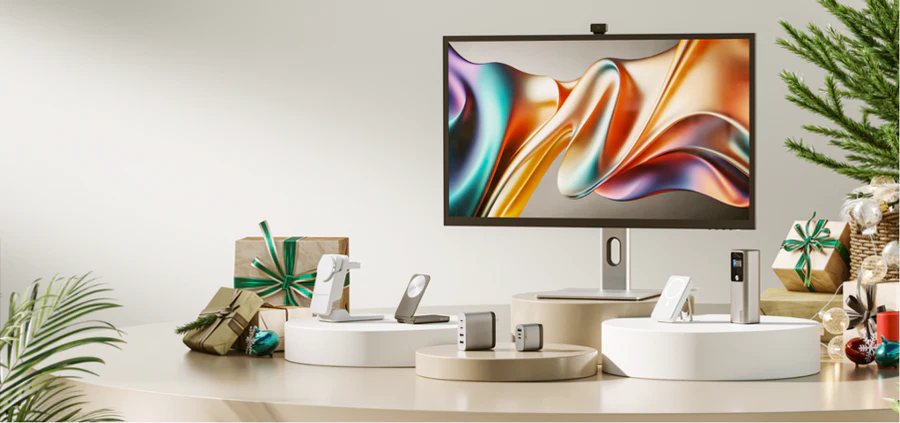
This Christmas, elevate your gift-giving game with ALOGIC. To make it easier for you, we bring you a guide that redefines the art of gifting. Whether you're shopping for a tech enthusiast, a work...
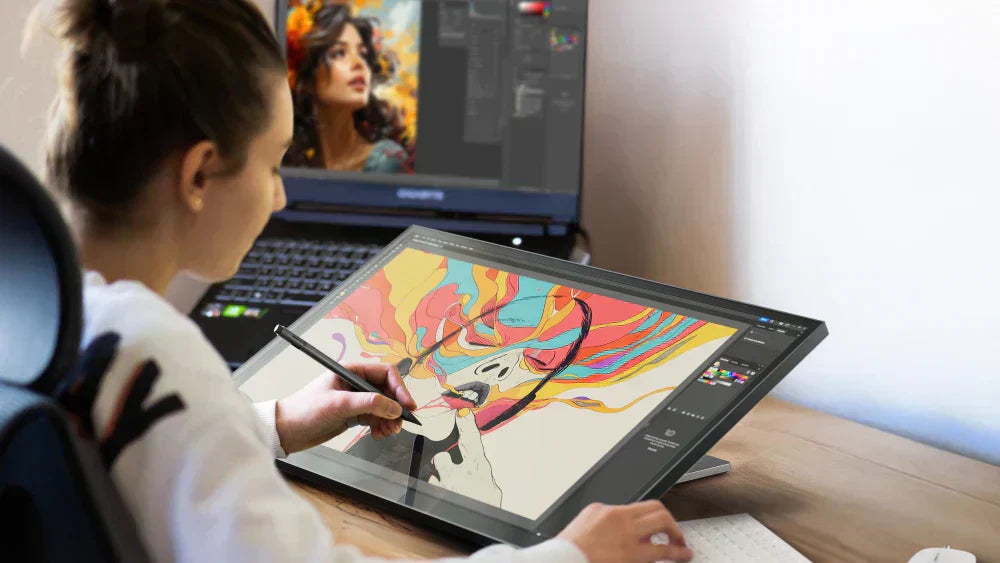
How to install our Clarity Touch drivers for macOS
With 10-point precision multitouch and pressure sensitive stylus support, Clarity Touch Monitors let you interact with your Apple computer in whole new ways. Unfortunately, macOS requires a little ...
1) WHAT IS THUNDERBOLT? Thunderbolt is the name of the hardware interface that is used to connect devices to your computer or laptop at state of the art speed and versatility. Created...